The Rise of AI Tools for Content Creators
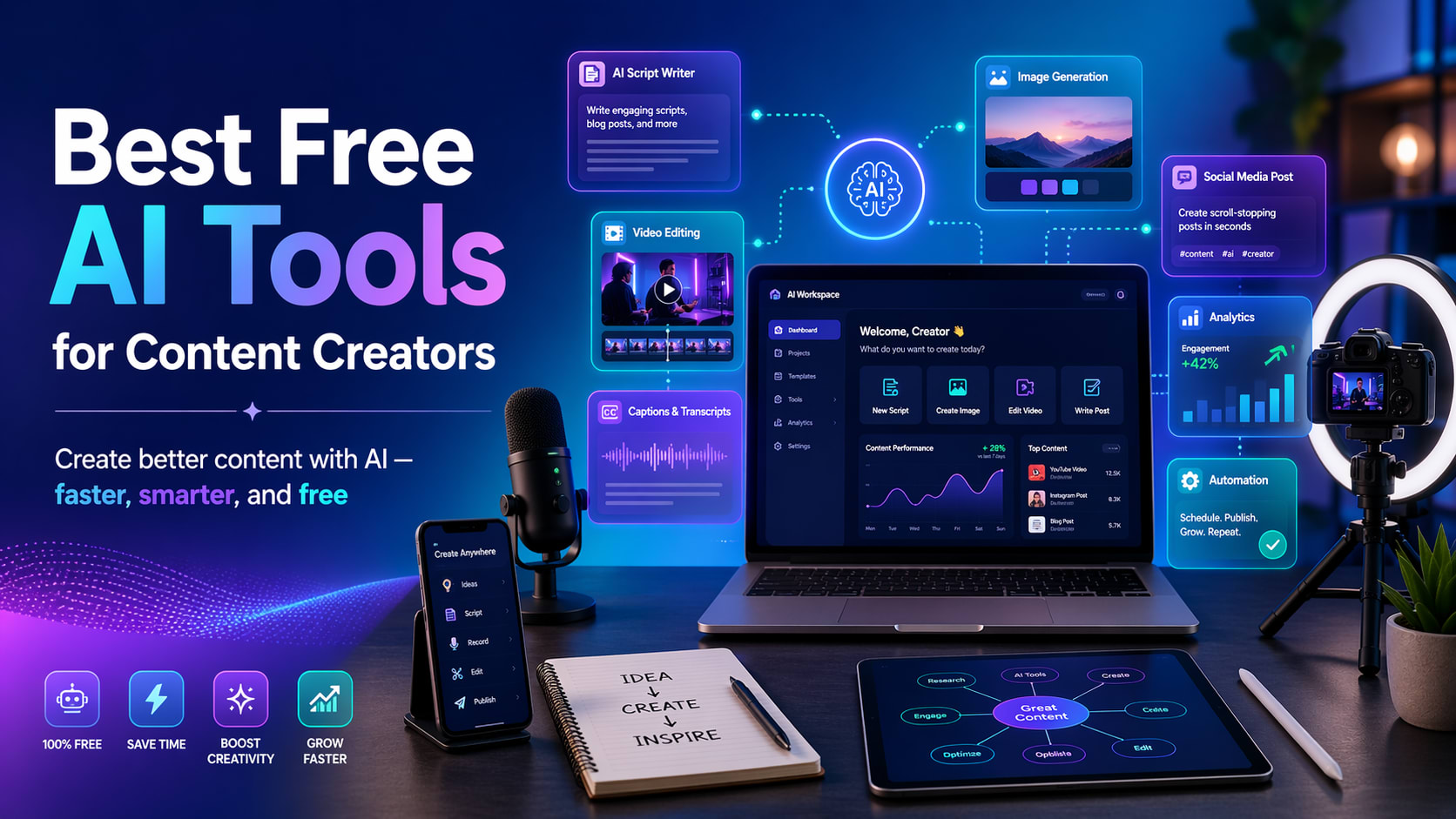
In the fast-evolving landscape of digital content, creation has become more sophisticated and varied. Today’s content creators craft not only simple posts or videos but also YouTube Shorts, Instagram Reels, TikTok videos, blogs, thumbnails, captions, voiceovers, and comprehensive content plans. Manually juggling these tasks can be time-consuming, which is where AI tools come into play. These innovative solutions assist creators by streamlining processes such as scriptwriting, idea generation, video editing, design, and more. The best part is that a plethora of powerful AI tools offer free plans or features, making them accessible to everyone. In this article, we will explore the top free AI tools that both aspiring and seasoned content creators can use to elevate their work.
Why Content Creators Should Use AI Tools
AI tools are designed to complement rather than replace creativity. While content creators still need to infuse their unique style, understanding of the audience, and creative insights, AI can significantly enhance the efficiency of the content creation process. Here’s how AI can help:
- Generate video ideas
- Write YouTube scripts
- Create Instagram captions
- Design engaging thumbnails
- Edit short videos
- Remove backgrounds from images
- Generate social media post designs
- Create AI-generated images
- Refine grammar and writing
- Organize content calendars
By automating these time-consuming tasks, creators can dedicate more time to honing the quality and consistency of their work.
1. ChatGPT: Best for Ideas, Scripts, Captions, and Content Planning
ChatGPT stands out as one of the most valuable AI tools for content creators. It enables brainstorming for content ideas, composing captions, drafting video scripts, summarizing information, and planning content effectively. According to OpenAI, ChatGPT helps users rapidly explore concepts, solve problems, and enhance their writing.
Best Uses for Content Creators
Utilize ChatGPT for:
- YouTube video concepts
- YouTube Shorts scripts
- Blog outlines
- Instagram captions
- TikTok hook ideas
- Content calendars
- Product descriptions
- Email drafting
- Hashtag recommendations
- Transforming dull text into engaging content
Example Prompt
“Give me 10 engaging YouTube Shorts ideas about AI tools for students. Keep the suggestions simple, interesting, and beginner-friendly.”
Why It Is Useful
ChatGPT is particularly valuable when you’re facing a creative block. It provides quick, clear ideas and assists in crafting compelling content.
Free Plan
ChatGPT offers a free plan with regular updates enhancing quality and speed as models improve, according to OpenAI’s pricing details.
2. Canva AI: Best for Thumbnails, Posters, Logos, and Social Media Designs
Canva is a user-friendly design tool ideal for beginners. It proves invaluable for creators in need of thumbnails, Instagram posts, banners, logos, presentations, and short video designs. Canva’s AI-powered features facilitate the creation of social media graphics, videos, and more, allowing users to start designing for free.
Best Uses for Content Creators
Leverage Canva AI for:
- YouTube thumbnails
- Instagram posts
- Facebook graphics
- YouTube banners
- Logo designs
- Presentation slides
- AI-generated imagery
- Short video templates
- Social media advertisements
Example Prompt for Canva AI
“Create a modern YouTube thumbnail design for a video titled: Best Free AI Tools for Content Creators.”
Why It Is Useful
Canva is ideal for those lacking advanced graphic design skills. Users can quickly pick a template, edit text, add images, and produce professional designs.
Best For
Canva AI is perfect for content creators seeking appealing visuals without the need to master complex software like Photoshop.
3. CapCut AI: Best for Short Video Editing
CapCut is one of the leading tools for creators producing content for YouTube Shorts, TikTok, Instagram Reels, and Facebook Reels. It boasts an array of AI-driven video editing features.
Best Uses for Content Creators
With CapCut AI, you can:
- Edit short videos
- Add auto-generated captions
- Transform text into video
- Utilize AI voiceovers
- Access video templates
- Remove backgrounds
- Add subtitles and transitions
- Incorporate various effects
Why It Is Useful
Short-form video content is in high demand, yet the editing process can be time-intensive. CapCut simplifies this with templates and AI features that help creators work more efficiently.
Best For
CapCut AI is optimal for YouTubers, TikTokers, Instagram creators, or anyone involved in short video production.
4. Adobe Express AI: Best for Quick Social Media Content
Adobe Express is another fantastic tool for creators, offering robust capabilities for crafting social media posts, videos, flyers, logos, and more. It acts as a comprehensive design tool for various creative projects.
Best Uses for Content Creators
Use Adobe Express AI for:
- Social media posts
- Posters and flyers
- Logo creation
- Video editing
- AI image generation
- Presentation design
- Marketing materials
Free Plan
Adobe Express provides a free plan that includes fundamental AI design tools, templates, and assets.
Why It Is Useful
Adobe Express is excellent for creators who need to create polished designs quickly, especially for social media and branded content.
Best AI Tool Combination for Beginners
If you’re just starting as a content creator, there’s no need to overwhelm yourself with every tool available. A basic setup can be very effective:
For YouTube Shorts and Reels
- ChatGPT for ideas and scripts
- CapCut AI for editing
- Canva AI for thumbnails
For Instagram and Facebook Content
- ChatGPT for captions
- Canva AI for post designs
- Adobe Express for quick branded content
- Grammarly for polished writing
For Blogging
- ChatGPT for outlines and drafts
- Perplexity AI for research
- Grammarly for editing
- Canva AI for blog imagery
Tips for Using AI Tools Properly
AI tools are powerful allies, but they shouldn’t be used blindly. Here are some essential tips:
- Verify facts before publishing; AI can make mistakes, so check critical information.
- Add your distinctive style to maintain a personal touch in your work.
- Utilize AI as a support tool rather than a complete replacement of your creativity.
- Strive for simplicity and usefulness; audiences appreciate content that quickly addresses their needs.
- Start with free tools; purchase premium plans only after understanding your requirements.
FAQs
- 1. Can I use free AI tools for YouTube content?
- Yes, you can leverage free AI tools for YouTube ideas, scripts, thumbnails, captions, editing, and voiceovers. Always check the usage rules for each tool, especially regarding commercial use.
- 2. Which AI tool is best for YouTube Shorts?
- A recommended combination for YouTube Shorts includes ChatGPT for scripts, CapCut AI for editing, and Canva AI for thumbnails.
- 3. Which AI tool is best for Instagram posts?
- Canva AI and Adobe Express AI are highly effective for Instagram posts, providing templates and creative features powered by AI.
- 4. Can AI tools help me grow faster?
- While AI tools can improve efficiency and content quality, growth ultimately relies on consistency, compelling ideas, audience insight, and the strength of your content.
- 5. Are free AI tools enough for beginners?
- Yes, free AI tools are perfectly adequate for beginners. You can start with free plans and consider upgrading only when more advanced features are necessary.
Conclusion
AI tools have become indispensable for content creators, significantly reducing time spent on various tasks and enhancing overall quality. Whether you’re working on YouTube videos, Instagram posts, TikTok content, or blog articles, these tools provide valuable support. For those just starting, the ideal free resources include ChatGPT, Canva AI, CapCut AI, Adobe Express AI, Grammarly, and Perplexity AI. Begin with the basics: use ChatGPT for brainstorming, Canva for designing, CapCut for video editing, and Grammarly for writing refinement. As you gain confidence, feel free to explore more advanced options. Remember, while AI can enhance your creative process, your originality and personal touch remain irreplaceable.