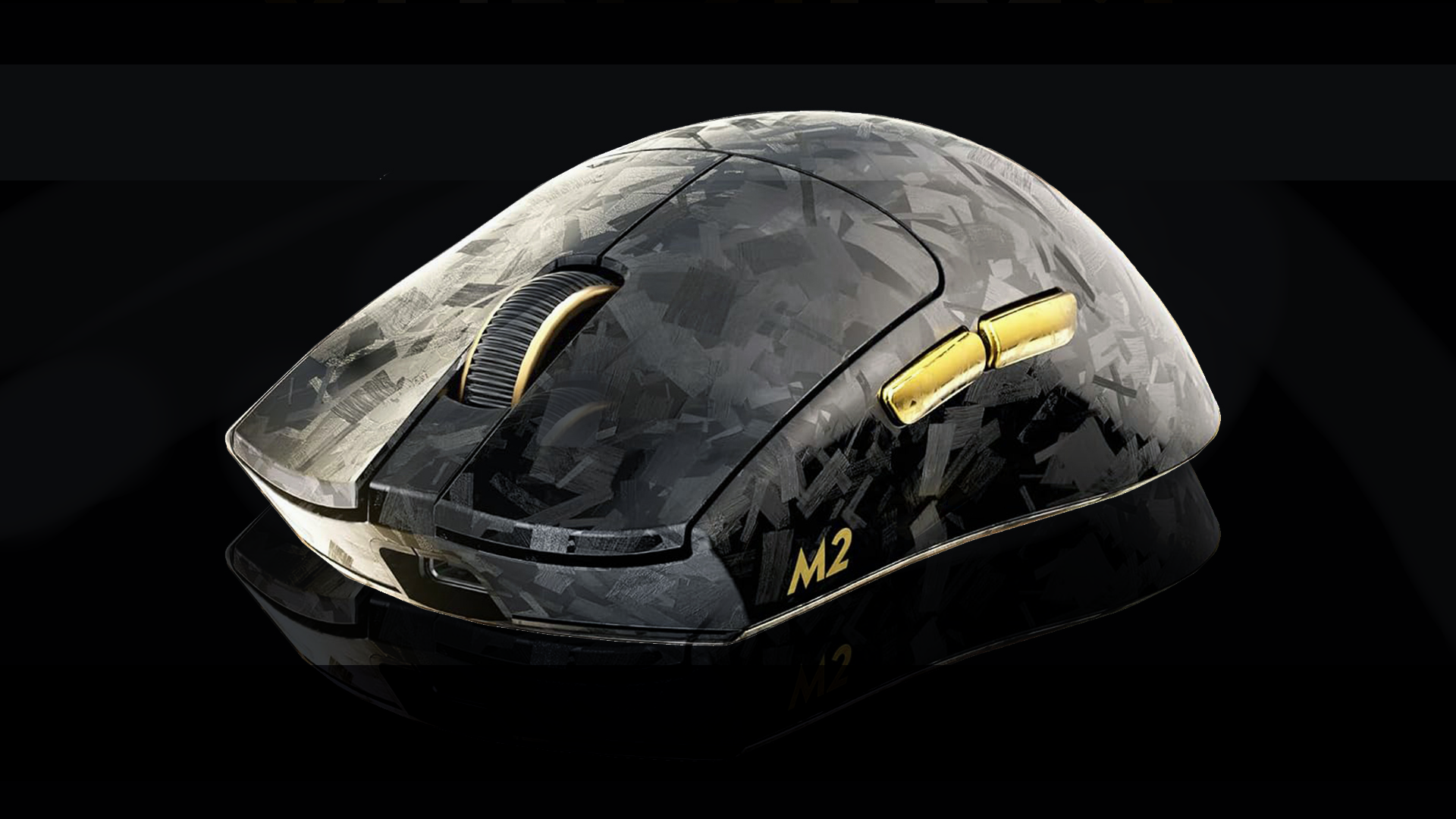
YUNZII is best known for crafting stylish, enthusiast-focused mechanical keyboards without forcing buyers to pay a custom-keyboard tax. With the YUNZII M2 Dual 8K Wireless Gaming Mouse, the brand applies that same budget-flagship formula to performance peripherals, but does it hit the mark?
Connectivity & Features
The tri-mode connectivity (USB-C cable, Bluetooth, and 2.4GHz wireless dongle) works reliably with no issues. The glide out of the box feels smooth on standard desk pads, and YUNZII including extra grip pads in the box is a nice touch, but not really worth it.
One disappointing thing to note: while the USB dongle does have a slot inside the mouse, it is under the rear glide pad, which doesn’t have an intuitive way to take the pad off—no divot or cutout to pop your fingernail in. Rather, it requires pressing down on one side of the pad to allow one of the magnets to lift off, granting access to remove the pad and store the dongle.

Build Quality & Ergonomics
The main chassis materials feel cheap with its faux camo pattern and an odd scratchy texture. It feels hollow and picks up scratches quite easily. Sadly, the overall texture leaves a lot to be desired. The included grippy pads feel more like a gimmick than a genuine improvement, adding awkward bulk without enhancing control. The only saving grace is its lightweight design, which may be a deciding factor for avid PC FPS gamers looking to hit precise flick shots.

Buttons & Tactility
The main left and right switches feel overly “pingy” with a hollow, high-pitched metallic feedback that’s hard to ignore in daily use. However, the side navigation buttons (forward/back) are surprisingly well-tuned, offering a crisp, satisfying, and responsive feel.

Responsiveness
YUNZII M2 includes a wide variety of DPI modes that can be modified via a button below the mouse, with the highest polling rate set at 32,000 DPI, adjustable down to 1,200 DPI with various levels in between.

Key Info
| Specification | Details |
|---|---|
| Sensor | PixArt PAW3395 |
| Microcontroller (MCU) | Nordic MCU |
| Sensitivity Range | 50 – 30,000 DPI (6-level adjustable) |
| Max Tracking Speed | 650 IPS (Inches Per Second) |
| Max Acceleration | 50G |
| Lift-Off Distance (LOD) | 1.0mm / 2.0mm (Adjustable) |
| Switch Type | Optical micro switches |
| Number of Buttons | 5 fully programmable buttons |
| Chassis Grip Type | Ambidextrous shape |


