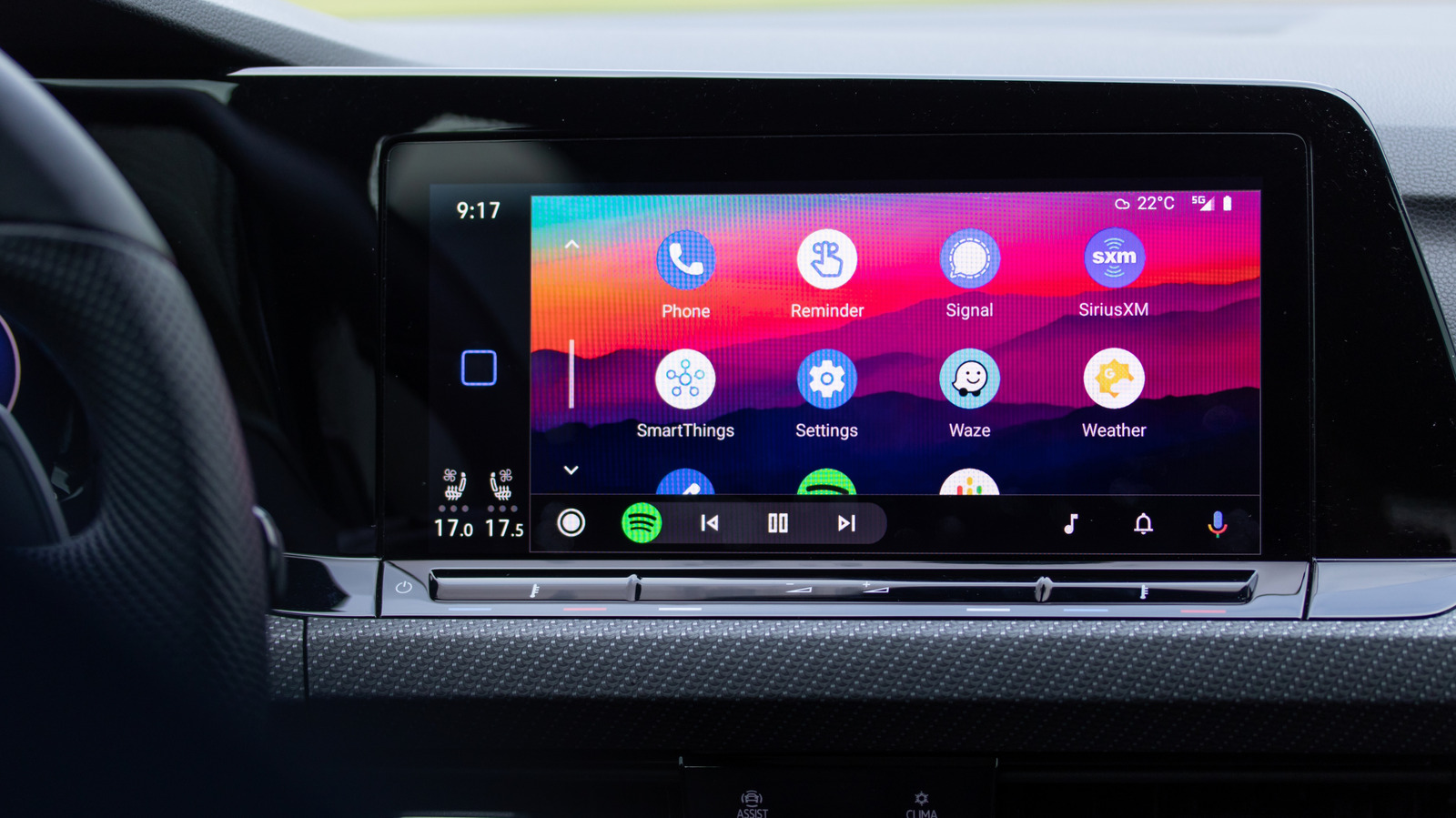
Sure! Here’s a concise breakdown of the differences between Android Auto and Android Automotive:
Overview
- Android Auto: Requires a connection to your Android phone and uses it to display a driving-friendly interface on the car’s screen.
- Android Automotive OS (AAOS): Works directly on the car’s hardware, so it doesn’t need a phone to operate.
Android Auto
- Functionality: Acts as an interface that allows drivers to use apps on their phones while driving (e.g., navigation, music).
- Connection: Can work via USB or wirelessly, depending on both the car’s system and phone capabilities.
- User Experience: Transforms the phone’s apps into a dashboard-friendly format, allowing for easier access and control while driving.
- App Compatibility: Access to compatible apps is available, such as Google Maps and Spotify, with limited vehicle data access (e.g., battery level).
Android Automotive OS
- Functionality: A full-fledged operating system installed in the vehicle, integrating with the car’s hardware for a more comprehensive system.
- Capabilities: Controls not only infotainment but also instrument displays, climate controls, and other vehicle functions.
- Google Services: Can provide native features like Google Maps and Google Assistant without requiring a phone connection (Google built-in).
- Flexibility: Automakers can customize the experience, such as in the Polestar 2, which supports both AAOS and Android Auto.
Key Differences
- Dependency: Android Auto needs a phone, while Android Automotive operates independently.
- Integration: AAOS integrates more deeply into vehicle systems, while Android Auto acts solely as an app interface.
- Customization: AAOS allows automakers more flexibility in how they integrate Android into their vehicles.
This distinction is particularly important for consumers when choosing a vehicle based on their preferences for technology integration and app usage.

