In today’s tech-centric world, many software companies are eager to integrate AI into their products. However, numerous creators prefer to work without AI assistance. I am among them. While I recognize the benefits of AI—such as the music tools and AI-driven transcription services that I find helpful—I steer clear of generative AI in my writing for several compelling reasons.
One significant concern for many writers, including myself, is that generative AI relies on the unauthorized use of our work. Some of my books, along with those of fellow authors, have ended up in AI training datasets like the Anthropic dataset. Furthermore, as I’m located outside the U.S., I cannot benefit from the $1.5 billion settlement resulting from the class action lawsuit against the company.
1. LibreOffice (Windows, Mac, Linux)

LibreOffice is a free, open-source alternative to Microsoft Office. While it may not be the most visually appealing suite, it provides an exceptional space for word processing. It allows writers to focus on their craft, featuring Master Documents that simplify the organization of even the largest projects and a Navigator that helps you navigate through chapters efficiently. Since it runs locally rather than in the cloud, you have access to it even without an internet connection.
2. Beat (Mac, iPad)

Designed by screenwriter Lauri-Matti Parppei, Beat is a sleek, intuitive, and fast writing application that addresses the needs of both screenwriters and novelists. It includes an outliner, distraction-free writing mode, excellent file format support, and automatic formatting. The Mac version is free and open-source, while sales from the iOS tool help support the developer.
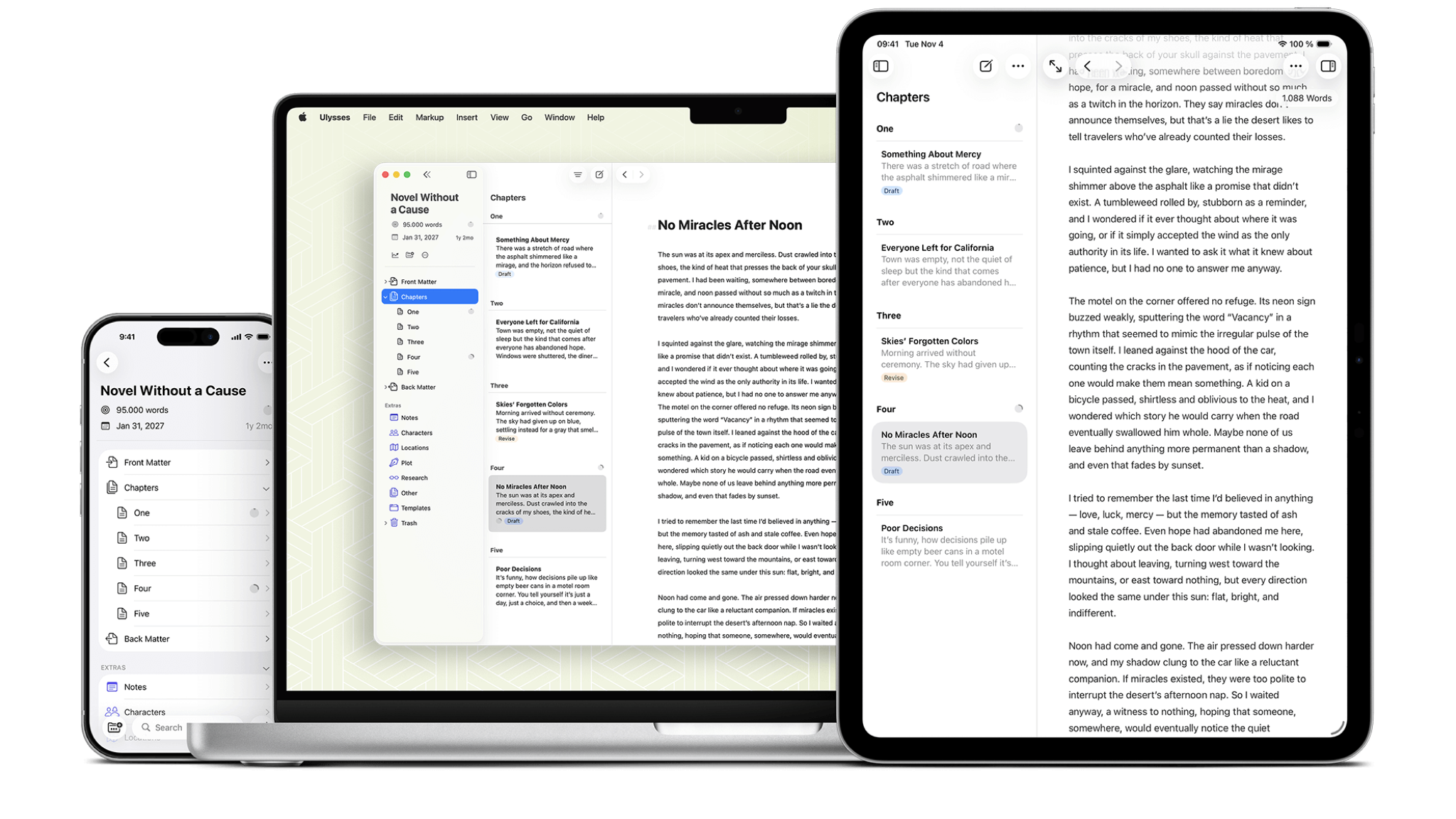
3. Ulysses (Mac, iPhone, iPad)

For years, Ulysses has been my preferred writing application. This Markdown-based platform operates quickly and maintains a minimalist approach. I love it so much that I even wrote an entire article about its merits. Its standout feature is the ability to export work into various formats, from content management systems to ebooks. Highly customizable, Ulysses has light system requirements since it relies on plain text, ensuring smooth operation even on the most basic Macs. The app also syncs seamlessly over iCloud.
4. iA Writer (Windows, Mac, iPhone, iPad)

Like Ulysses, iA Writer provides a stripped-back, fast-paced environment that boasts impressive export capabilities. While the app itself doesn’t utilize AI, its developers have a unique perspective on AI technologies, which they have discussed in detail. Instead of incorporating AI tools directly, they treat the rise of AI as a challenge, proposing their solution called Authorship. This feature is available in the Mac, iPhone, and iPad versions and allows tracking of alterations made by generative AI tools, as well as identifying text copied from AI sources.
5. Scrivener (Windows, Mac, iPhone, iPad)

Having written multiple books in Scrivener, I can attest to its functionality. It’s designed for lengthy projects and excels at organizing research, ideas, and notes relevant to your work. While it may overwhelm those focusing on shorter pieces, it’s perfect for writers who need a comprehensive tool that guides them from initial draft to publication.
6. Storyist (Mac, iPhone, iPad)

Storyist is a visually appealing and user-friendly application tailored for both novel writers and screenwriters. It offers valuable tools such as snippets for frequently used text, print-ready PDF output, a robust outlining feature, and a wide range of customizable stylesheets for various publication formats. While it shares similarities with Scrivener, it presents a less daunting interface.
7. yWriter (Windows, Mac, Android, iPhone, iPad)

yWriter is built on the principle that it won’t write your story, suggest plot points, or perform any creative tasks. This minimalistic application encourages users to think of their manuscript in terms of individual scenes rather than chapters, utilizing metadata like project notes and object lists. While the Mac version is still in beta, it’s accessible for Apple Silicon users through the iOS application.
Follow TechRadar on Google News and add us as a preferred source to get our expert news, reviews, and opinion in your feeds. Make sure to click the Follow button!
And of course you can also follow TechRadar on TikTok for news, reviews, unboxings in video form, and get regular updates from us on WhatsApp too.

The best business laptops for all budgets