Are you looking to speed up horse animation? Do you want to transform your ideas into 3D models with confidence? Are you tired of the struggles associated with animation layout?
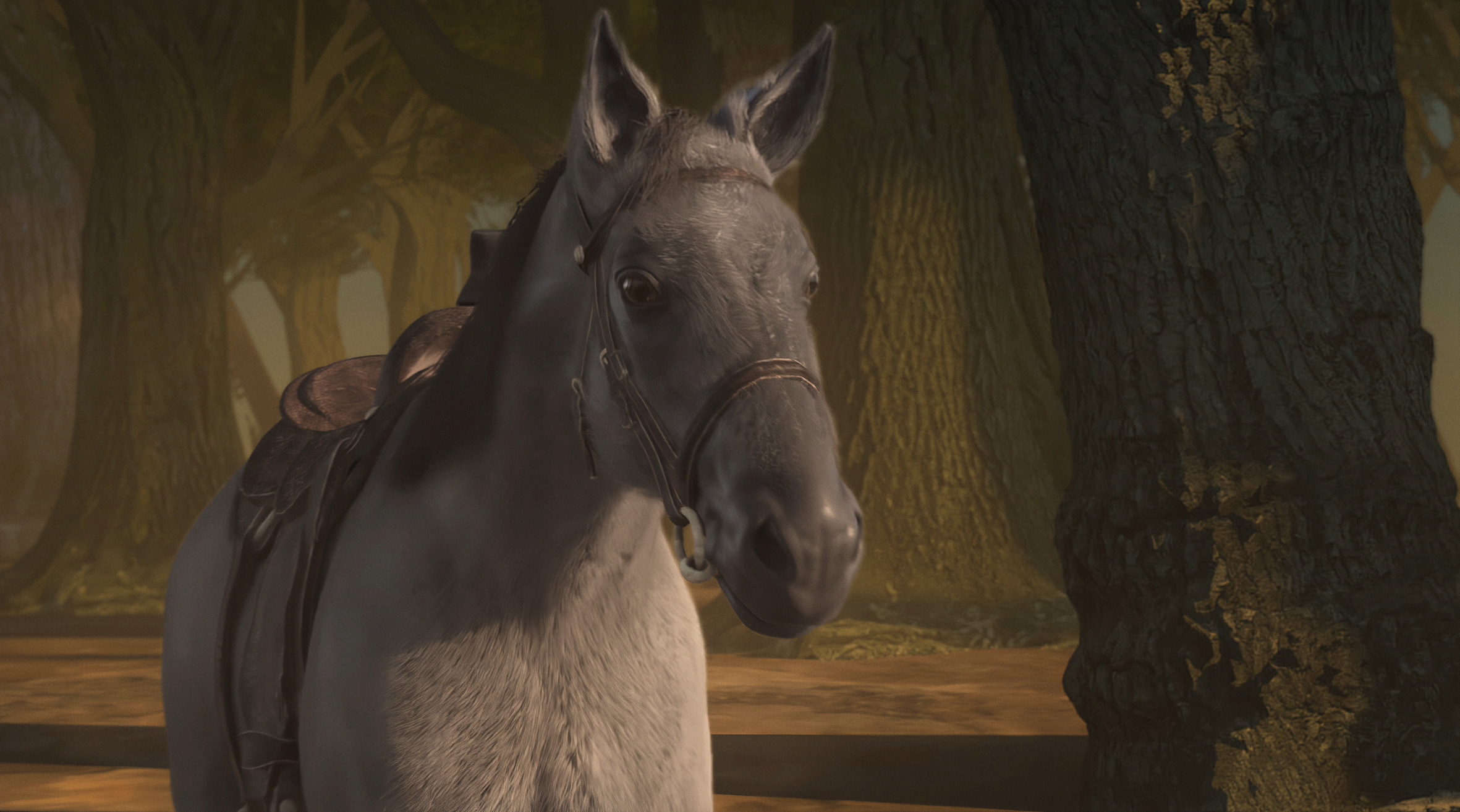
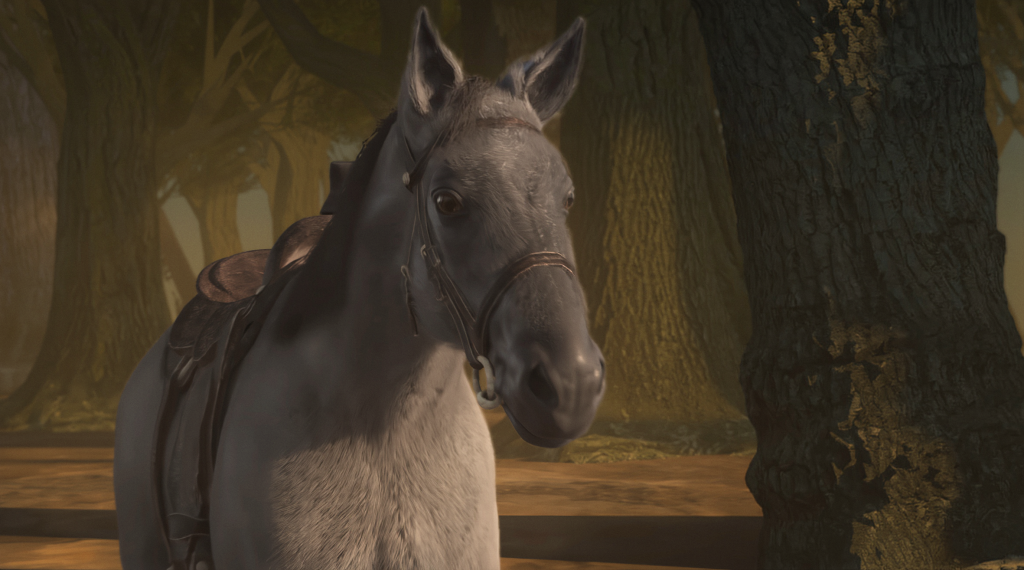
Animate a horse faster with MotionMaker (Maya)
These questions highlight the daily production hurdles faced by artists, often causing workflow slowdowns. Fortunately, the latest enhancements in Autodesk Maya, 3ds Max, and Flow Studio introduce new AI-driven features and workflow improvements. These advancements aim to simplify the journey from concept to final output, enabling artists to work more efficiently without compromising their creative vision. Here’s a look at what’s new and why these updates are significant for streamlining animation and visual effects.
Accelerating Horse Animation in Maya
If you’ve ever searched for techniques to animate a horse, you’re likely aware of the challenges involved. Achieving the nuanced movements of walks, trots, canters, and gallops demands precision and smooth transitions. The latest version of MotionMaker in Maya has introduced a horse motion archetype. This feature leverages AI to produce realistic base movements in mere seconds. Instead of starting from the ground up, artists can now focus on refining performance, timing, and character expression while utilizing realistic animations as a foundation. This motion remains fully editable, and the technique can also be applied to other equine-like creatures such as deer and bison, expanding the capabilities beyond the existing biped and canine motion styles.
Generating 3D Characters and Objects from Text or Images
The journey of creating 3D assets often begins with exploration, which can be time-consuming. Wonder 3D, a generative AI model found in Autodesk Flow Studio (previously called Wonder Studio), allows artists to create 3D characters or objects simply through text prompts or reference images. This feature is perfect for pre-visualization, concept development, or rapidly filling background scenes and environments. The generated assets are fully editable, enabling artists to refine and reuse them before exporting to tools like 3ds Max, Maya, Blender, or Unreal, while a new Flow Studio Launcher in Maya enhances accessibility to these processes.
AI Enhancements Across Your Tools
Artificial intelligence is making significant strides in improving various aspects of your workflow, including look development and user interaction with your toolset. The new Generative Textures API in Maya allows studios to integrate the generative AI services they already use directly into LookdevX, simplifying the process of exploring multiple texture variations right within Maya. Additionally, the technology preview of Autodesk Assistant facilitates a more intuitive interaction with 3ds Max and Maya, enabling users to ask questions in plain language, quickly locate necessary information, and translate those insights into actionable steps.
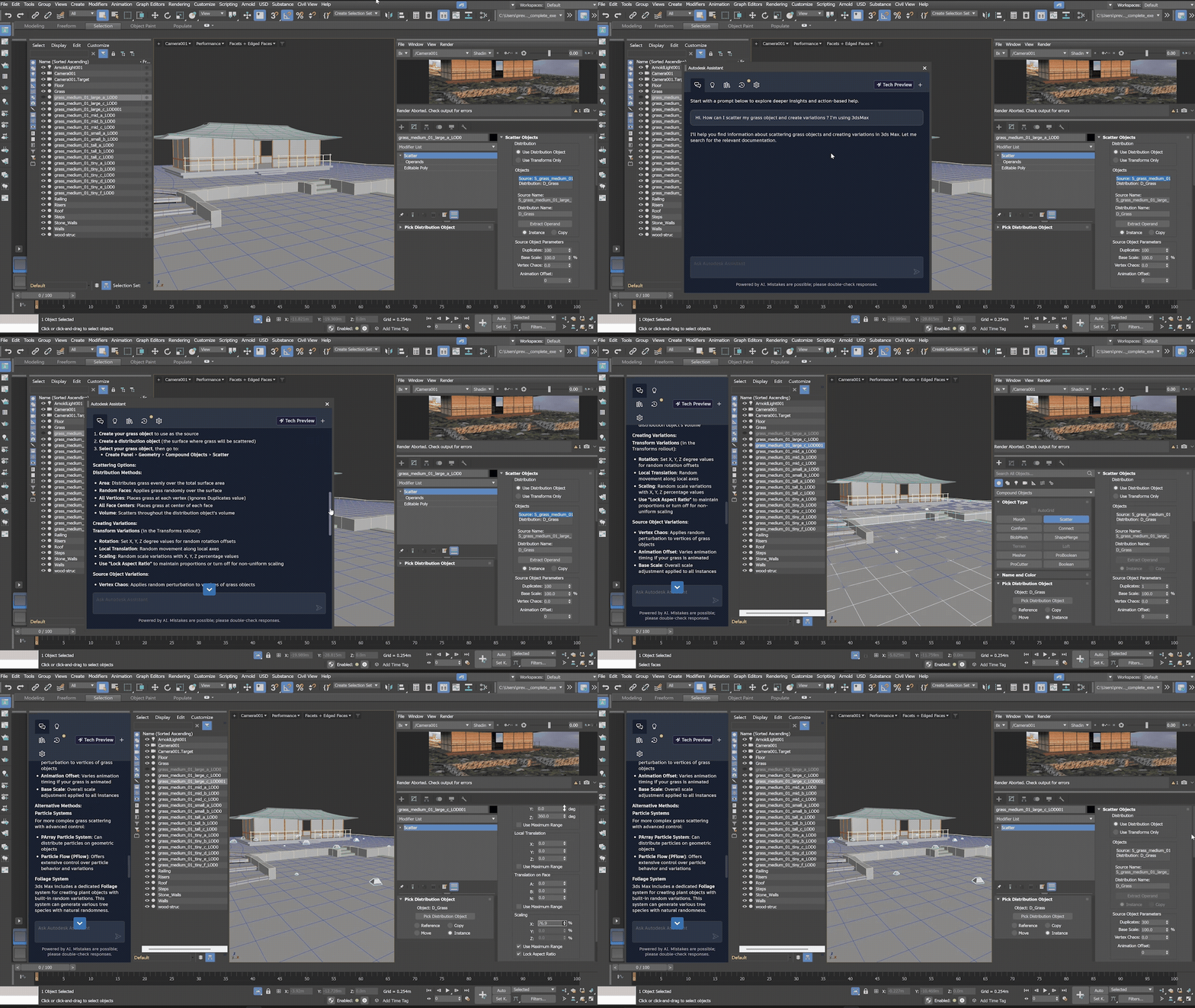
Tech preview of Autodesk Assistant
These tools are continually evolving to align with your workflows, empowering you to achieve more within the platforms you already utilize.
Smoother Shot Management, Grand Effects, and Smarter Modeling
AI-enhanced tools complement the traditional ones you’ve relied on for years. We are modernizing these tools for contemporary production while introducing new innovations to simplify content creation.
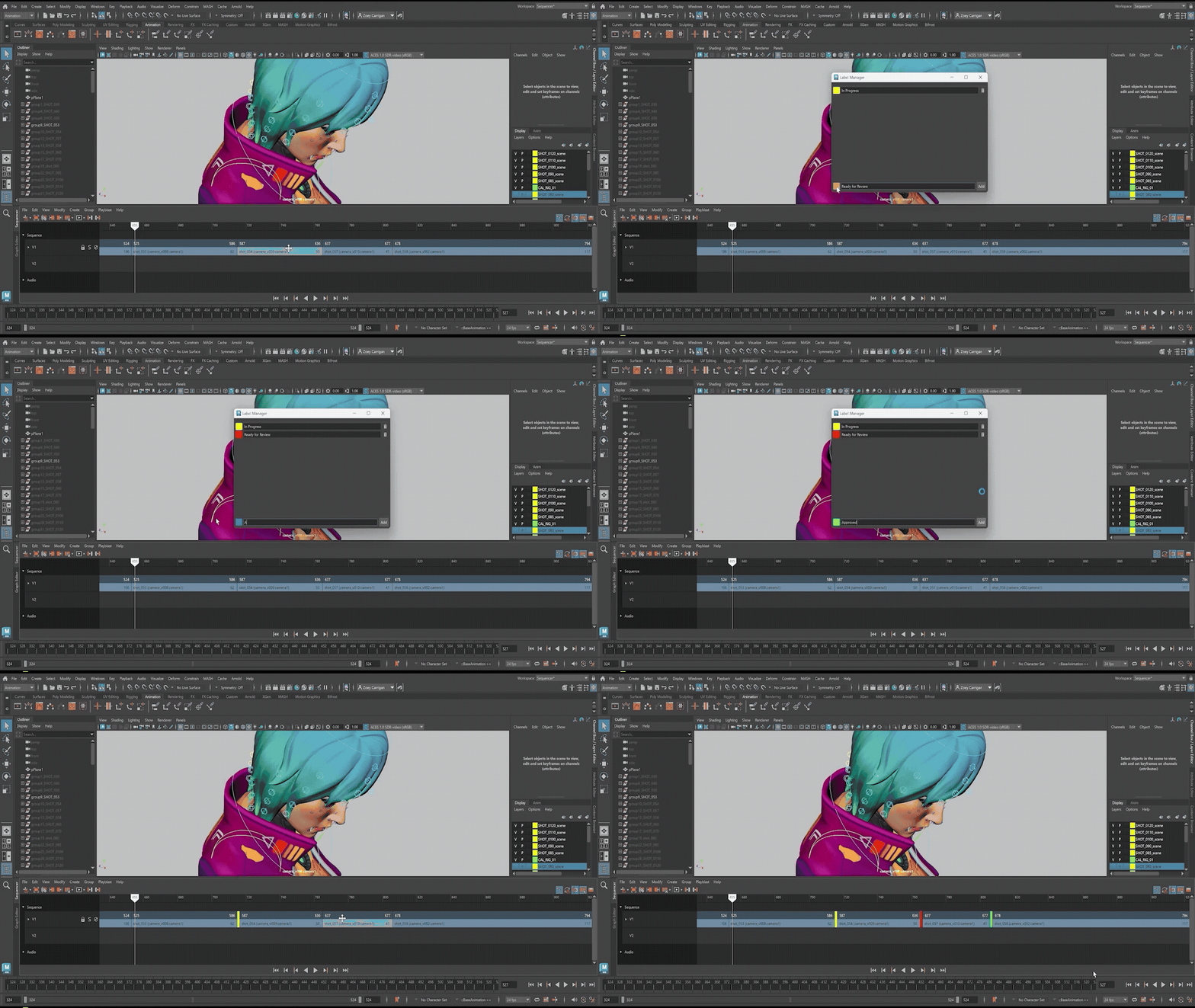
Modernized Sequencer for smoother layout
- Modern Shot Management: Handle multiple shots and tracks effortlessly with a brand-new Sequencer, featuring a revamped high-DPI timeline and interface designed specifically for previs and layout artists.
- Enhanced Destruction Effects: Easily create everything from collapsing structures to shattering walls using the new Rigid Body Dynamics workflow in Bifrost.
- Improved Modeling: Achieve cleaner, more intricate bevels with Smart Bevel, designed specifically for post-Boolean intersections in both 3ds Max and Maya.
- Simplified OpenUSD Workflows: Generate production-ready USD assets that transition seamlessly across tools and teams, reducing technical overhead with Component Creator and Variant Manager in Maya.
These updates signify a larger trend towards modernizing foundational workflows while integrated AI enhances rather than replaces creative autonomy. For those interested in learning more, register now for live webinars on April 15 and 16 at 10:00 am PT/1:00 pm ET with the Maya development team.
Final Thoughts on Speeding Up Modeling and Animation for Realistic VFX
How do you speed up horse animation in Maya?
The MotionMaker feature in Maya now includes a horse motion archetype powered by AI, enabling artists to quickly generate realistic base motions, allowing for more time to focus on refining performance and character personality.
Can horse animation remain editable?
Absolutely! The generated motion is fully editable, with the versatility to apply similar styles to other equine-like creatures, enhancing MotionMaker’s utility with existing biped and canine motion styles.
What is the purpose of Wonder 3D?
Wonder 3D allows for the generation of 3D characters or objects from text or image inputs, making it ideal for pre-visualization, conceptual work, or quickly filling in background scenes.
How can destruction effects be created more efficiently for film, TV, and games?
The updated Bifrost Rigid Body Dynamics workflow in Maya streamlines destruction effects, making it faster and easier for artists to produce complex simulations without the need for extensive setups.
How has shot management improved in Maya?
The new Sequencer (previously the Camera Sequencer) features a modern, high-DPI timeline and user interface that simplifies navigation across multiple shots and tracks, providing clarity and ease with features like color coding, custom labels, automatic thumbnails, and intelligent grouping—all in a non-destructive environment that encourages experimentation.
How do 3ds Max and Maya facilitate geometry corrections late in production?
The Smart Bevel tool in both 3ds Max and Maya ensures smooth, high-quality geometry transitions, preserving a non-destructive workflow that allows continuous refinement of geometry, even across complex sets of curved edges.