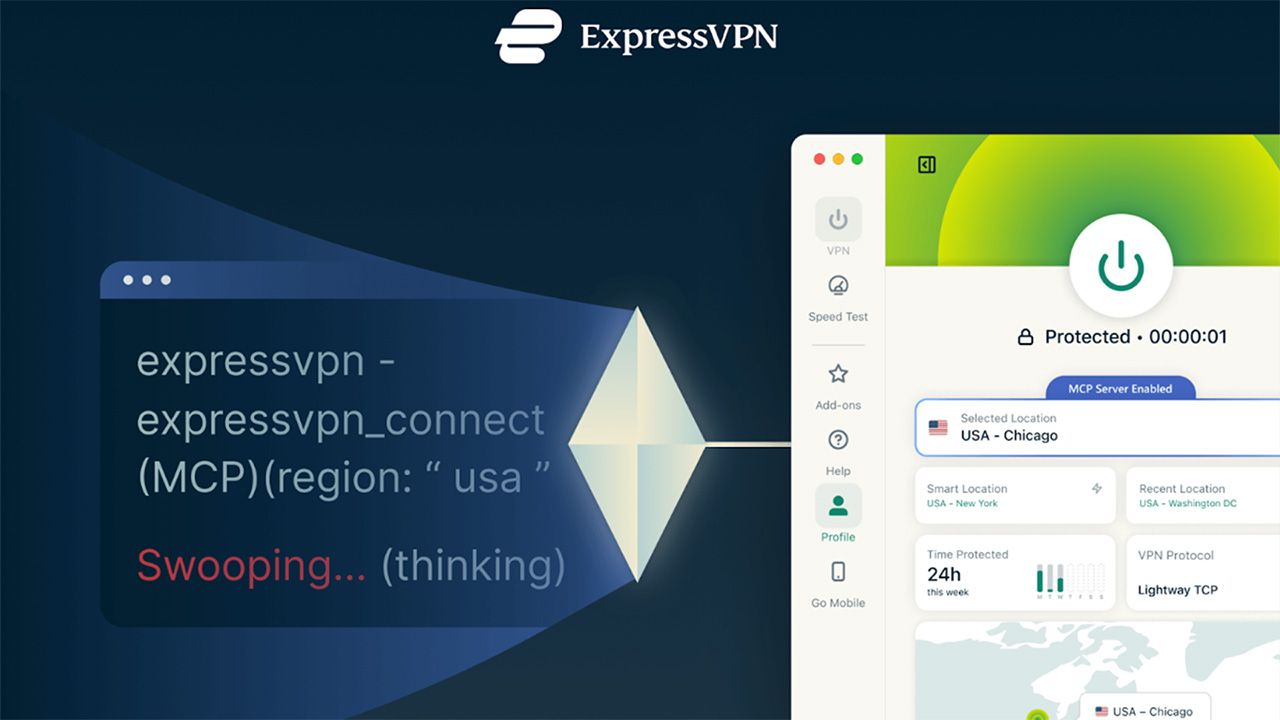
ExpressVPN, recognized as one of the top VPNs, has rolled out a beta version of its innovative Model Context Protocol (MCP) server. This advancement enables AI tools to engage directly with VPN software.
Announced on March 5, 2026, ExpressVPN becomes the pioneer in adopting the MCP, an open standard presented by Anthropic in 2024.

What is ExpressVPN’s MCP Server and How Does It Work?
Model Context Protocol, or MCP, is an open-source standard designed for AI tools to interact with software using structured commands.
The MCP server from ExpressVPN acts as a local intermediary between AI development tools and the VPN’s desktop applications. When activated, compatible AI assistants can assess the VPN’s status, switch server locations, modify protocols, and execute diagnostics directly within the development environment.
According to ExpressVPN, the server is “private and secure by design,” operating under a strict no-logs policy. It does not collect or store activity logs, connection logs, or destination data, ensuring user privacy. The server runs on the user’s local device rather than a remote service.
Access to the server is restricted to a specific set of approved commands, allowing AI tools to execute actions such as reading VPN status or adjusting connection settings. This feature facilitates automation in network setup for developers using AI coding assistants.

Why Developers Might Prefer AI to Control Their VPN
With the increasing prevalence of AI coding assistants in development environments, many repetitive tasks are transitioning into automated workflows. However, network configuration has often remained a manual process.
Developers often need to verify a VPN connection prior to executing scripts, switch regions to test geo-specific functionalities, or address connectivity issues during development.
ExpressVPN’s MCP server is built to eliminate these hurdles, enabling AI assistants to manage these tasks seamlessly.
“Developers are increasingly depending on AI agents to streamline complex tasks; however, their network environment has largely remained manual,” stated Shay Peretz, COO of ExpressVPN. “Our MCP server integrates VPN control into these workflows, allowing for secure testing, troubleshooting, and region switching, all without interrupting productive activity.”

How to Experience ExpressVPN’s MCP Server
The beta version of ExpressVPN’s MCP server became available on March 5, 2026, functioning with its Linux, Mac, and Windows VPN applications.
To utilize it, developers need to install the latest version of the ExpressVPN desktop app, activate the MCP server from the app settings, and connect it to an AI tool such as Claude Code or Codex. This integration allows these tools to assess VPN status, switch server locations, adjust protocols, and perform diagnostics.
Due to security considerations, the MCP server is turned off by default and needs manual activation within the ExpressVPN desktop app. The integration operates locally on the user’s device, ensuring that account credentials and session data remain safe.
ExpressVPN aims for this beta release to support developers in exploring AI-assisted workflows in network configuration.
Technical documentation is available on ExpressVPN’s website providing details on the server.
We evaluate and review VPN services with a focus on legal recreational uses, such as accessing services from different countries (within the rules of those services) and bolstering online security and privacy while traveling. We do not endorse or condone any illegal or unethical use of VPN services.