On-the-Go Makeup: Achieve a Fresh Look Anywhere
Maintaining a polished look while on the move can be challenging. Youngseo from Allday Project showcases a practical approach to makeup that’s both efficient and stylish. Below, we’ve highlighted the top products she uses, providing you with a detailed guide to achieve a fresh and radiant appearance even when time is limited.
Essential Makeup Products for a Quick Beauty Routine
1. Amuse Dew Power Vegan Cushion
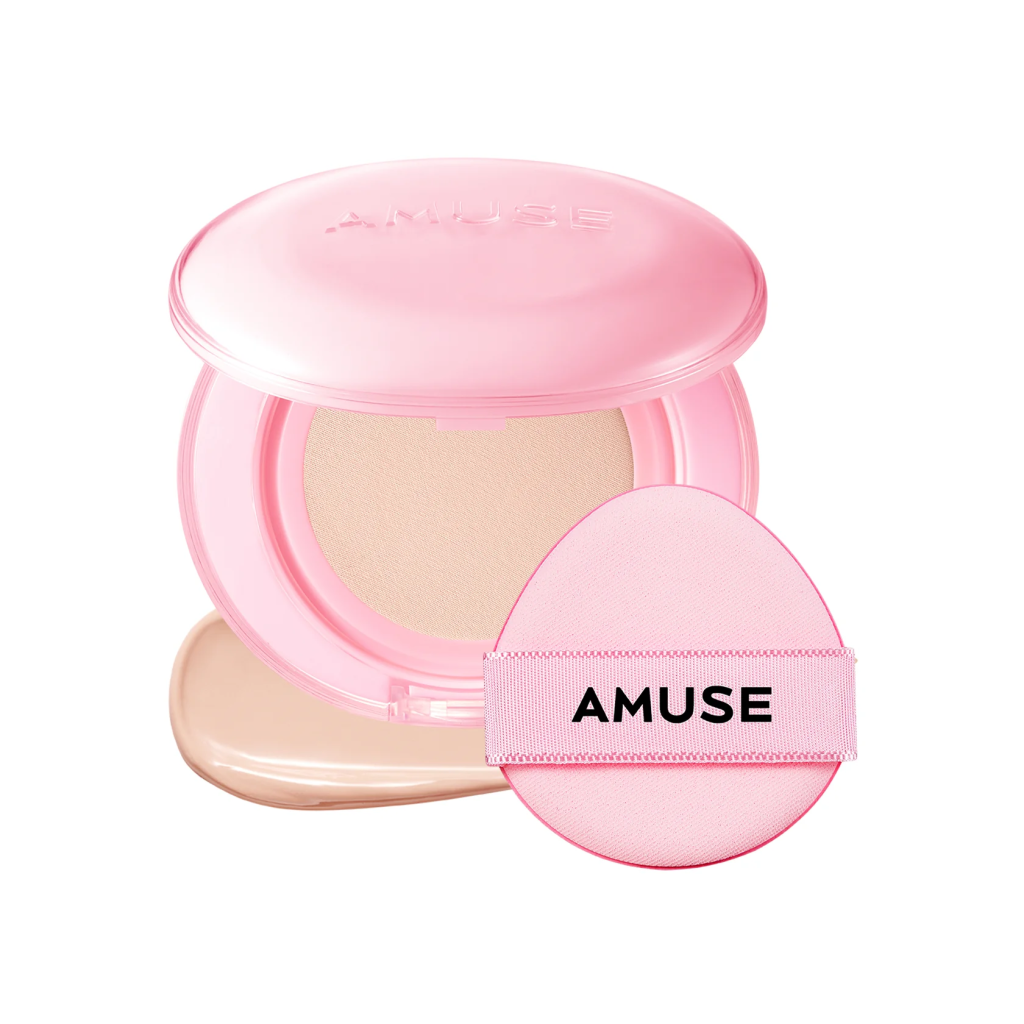
Picture: Amuse
The Amuse Dew Power cushion offers a lightweight feel while providing a soft glow. It evens out your skin tone without feeling heavy, delivering a natural, luminous finish that leaves your complexion looking energized and fresh.
2. Too Cool for School Three-Colour Contour Palette
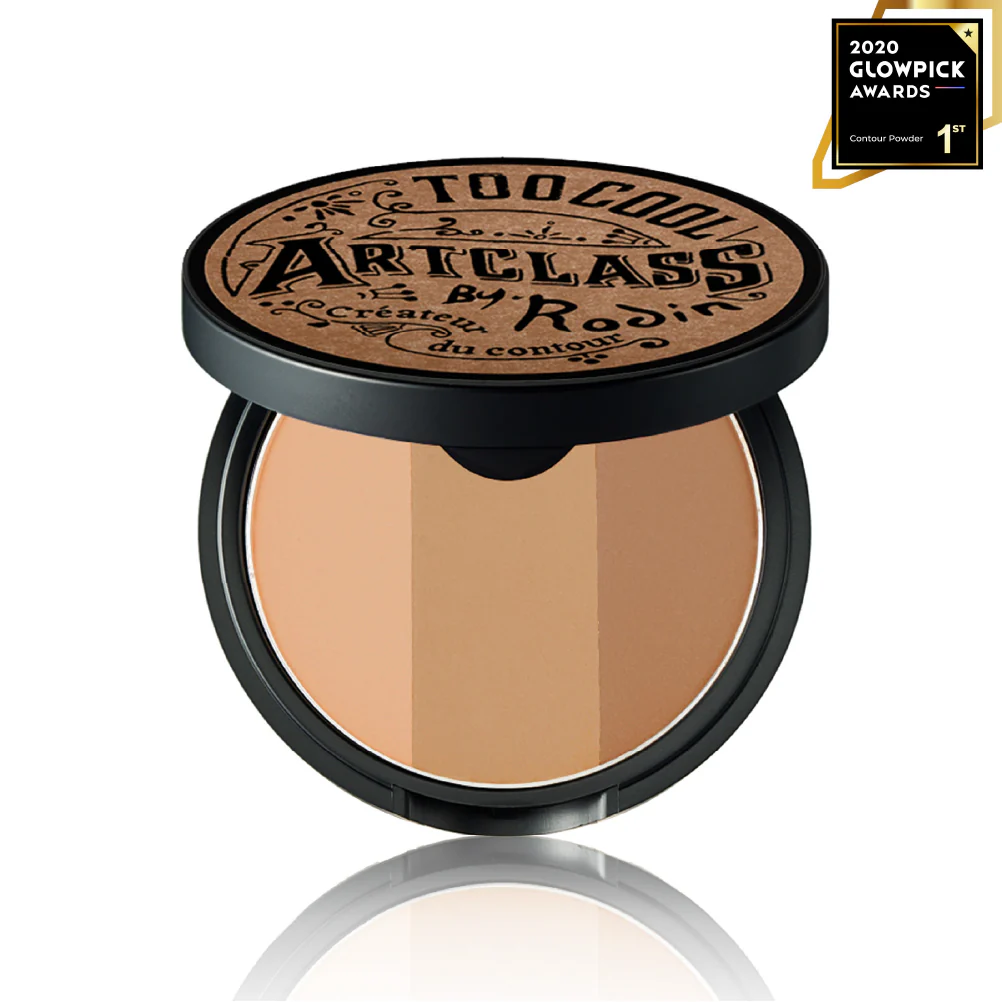
Picture: Too Cool for School
Use the Too Cool for School contour palette to refine your facial contours subtly. A light sweep along the outer edges of your face enhances your features without creating harsh lines.
3. Holika Holika Highlighter
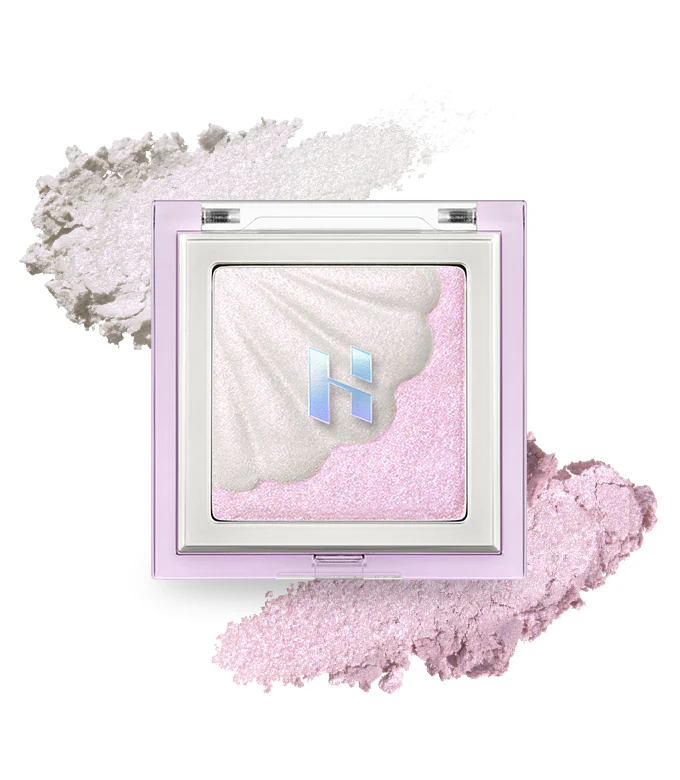
Picture: Holika Holika
This highlighter is ideal for adding dimension. Apply it to the high points of your cheekbones and the bridge of your nose for a radiant look that captures light beautifully.
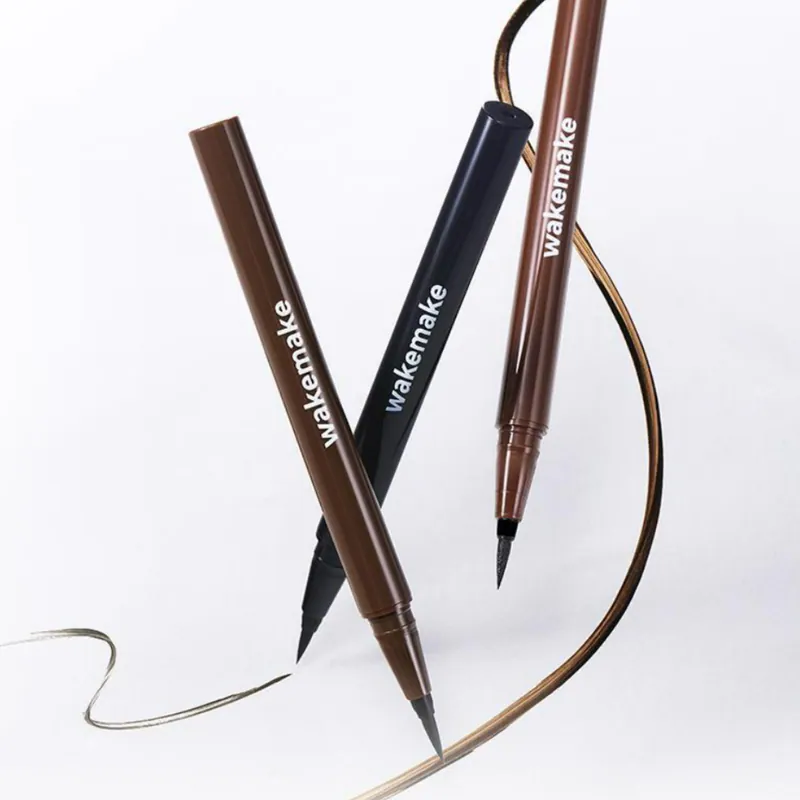
4. Wakemake Eyeliner
Picture: Wakemake
For defining your eyes quickly, the Wakemake eyeliner is perfect. A thin line close to the lash line gives a clean and precise look, enhancing your eyes with minimal effort.
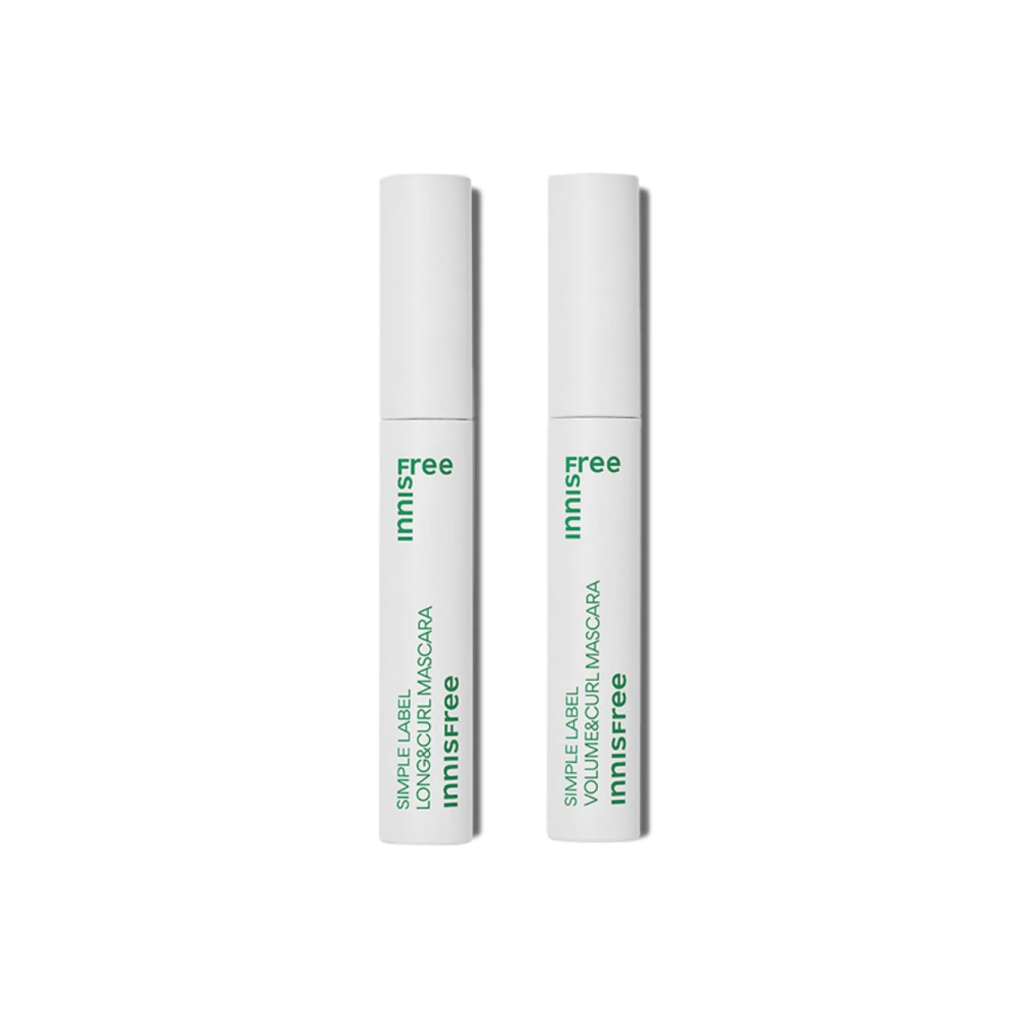
5. Innisfree Mascara
Picture: Innisfree
This mascara naturally lifts and curls your lashes, ensuring you achieve beautiful eyes without clumping.
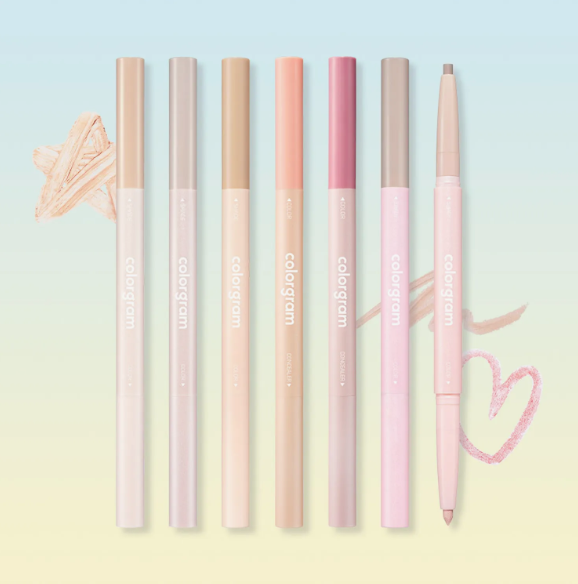
6. Colorgram Aegyo-Sal Liner
Picture: Olive Young
Enhance your under-eye area with just a light stroke of the Colorgram aegyo-sal liner. This simple step brightens your eyes and gives a youthful, refreshed appearance.
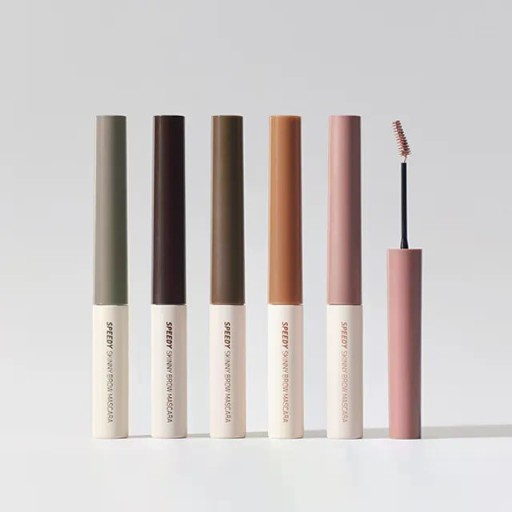
7. Peripera Brow Gel
Picture: Peripera
The Peripera brow gel helps shape and maintain a soft finish on your brows. Its shade closely resembles natural brow color, keeping the overall look light and effortless.
8. 3CE Lip Jelly & Glyf Lip Gloss
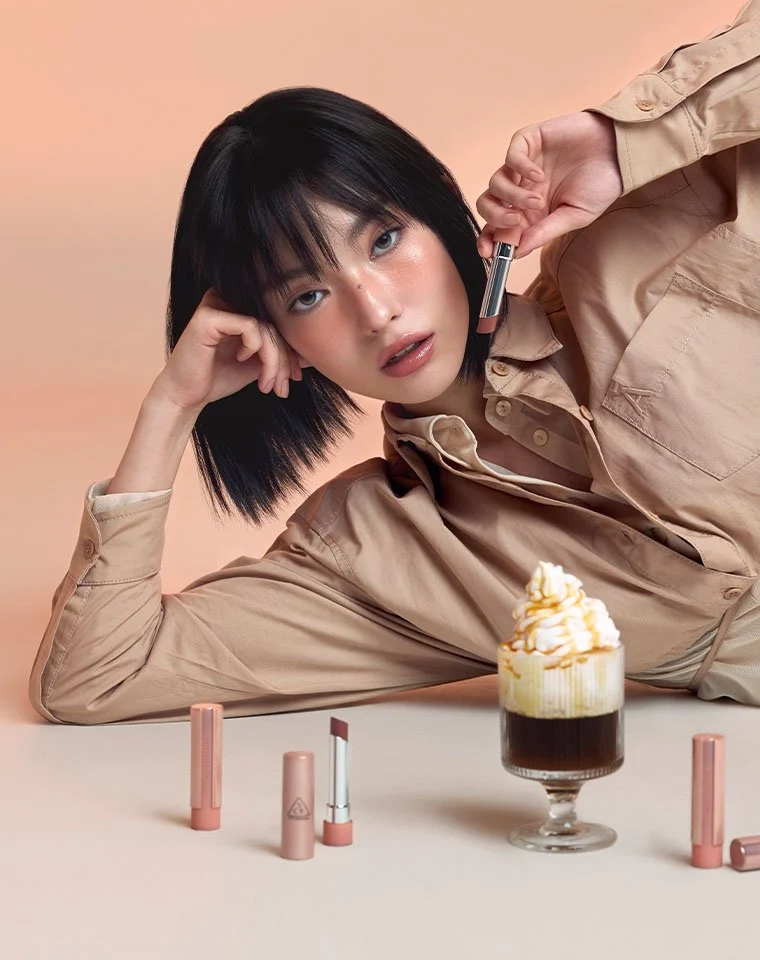
Picture: 3CE
Mix the 3CE lip jelly with Glyf lip gloss #04 for a hydrated, glossy finish tailored for daily wear. This combination enhances your lips while maintaining a fresh, lightweight feel.
9. Real Techniques Brushes
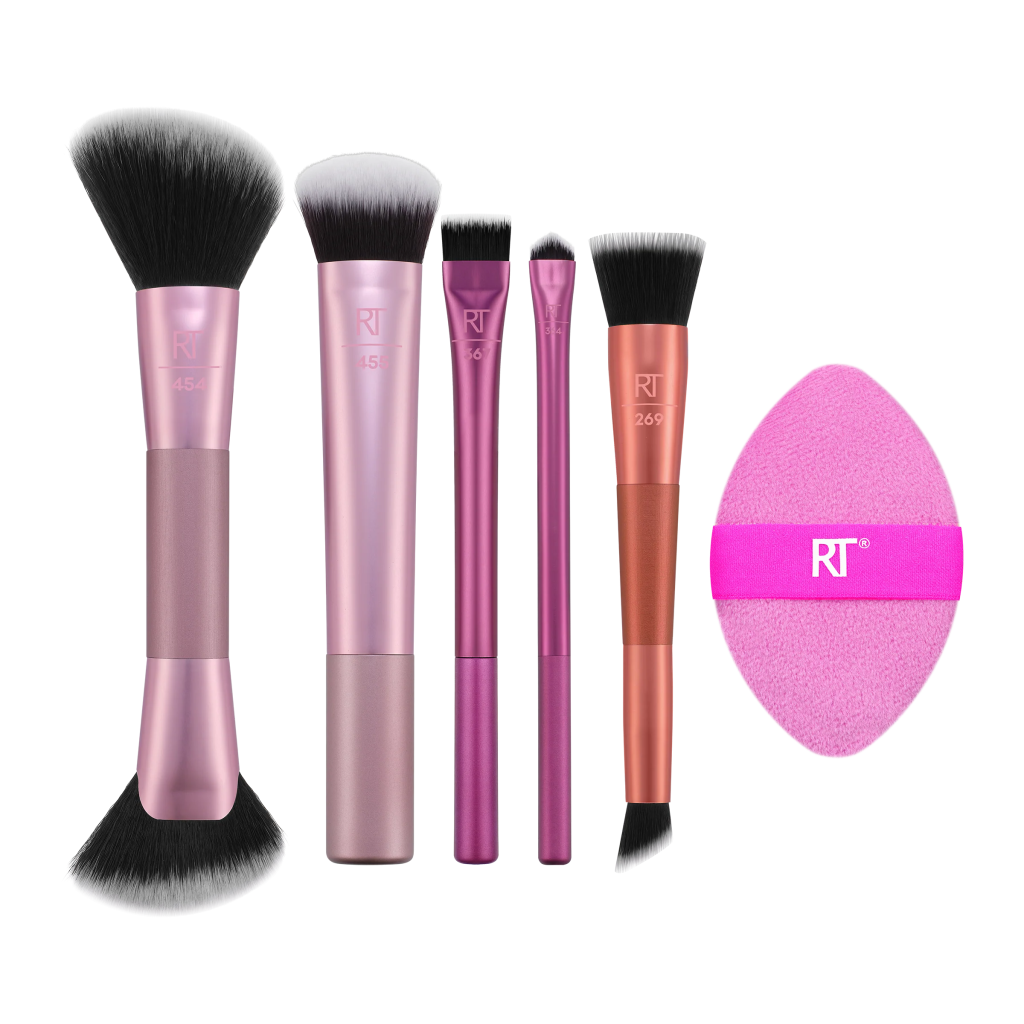
Picture: Real Techniques
Investing in sturdy and practical brushes like those from Real Techniques ensures your makeup routine is efficient, especially when you’re on the go.
Conclusion
Youngseo’s quick makeup routine embodies convenience without sacrificing style. With these essential products, you can effortlessly maintain a fresh and vibrant look, no matter where your day takes you. Remember, the key to successful on-the-go makeup is to keep it light and natural, focusing on enhancing your features while staying true to your personal style. Happy beautifying!