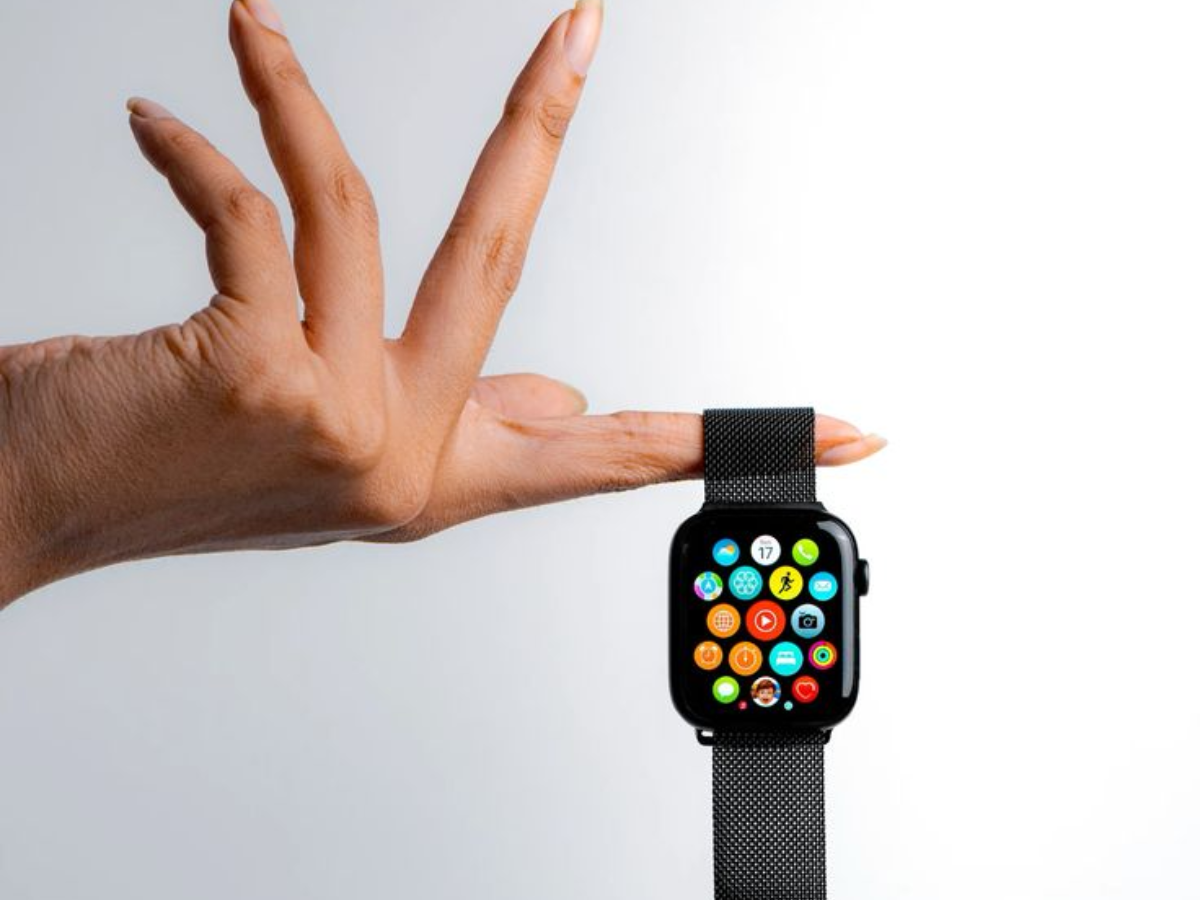
The Apple Watch has become a popular tool for tracking daily activity, yet many of its fitness features often go underutilized. Beyond the recognizable activity rings and the workout start button, this smartwatch offers a variety of options that can enhance your training, facilitate recovery, and make health data more actionable. In this article, we’ll explore practical tips and features that can help you maximize your workout experience and health tracking with your Apple Watch.
1. Customize Your Activity Rings

The Fitness app’s three rings—Move, Exercise, and Stand—track your daily activity. While many users adjust their goals, you can also set different targets for each day of the week. This is especially useful for scheduling lower goals on rest days or when traveling. Simply access the Activity Rings view in the Fitness app and adjust your targets easily.
2. Experiment with Different Wearing Locations

The Apple Watch is primarily designed to be worn on the wrist, but it can still effectively track your movement when worn elsewhere, such as on your upper arm or ankle. This can be beneficial during workouts like weightlifting or kettlebell training, where wrist placement may be impractical. Just ensure you have a longer strap if needed for comfort.
3. Use List View for Quick App Access

The default grid layout of apps on the Apple Watch can be cumbersome during workouts. By switching to List View, you can see apps in an alphabetical list, making it easier to access them while on the move. To make this change, press the Digital Crown and select the List View option at the bottom of the app launcher.
4. Create Your Own Interval Workouts

The Workout app allows you to set up custom workouts with structured intervals. Each workout type includes options to define timed intervals, rest periods, or fixed-length sessions. While you can configure settings directly on the watch, it’s usually quicker to do so from your iPhone.
5. Challenge Yourself on Familiar Routes
If you often run or cycle the same paths, the Apple Watch can help you track your progress. After completing a route multiple times, the watch can compare your current performance against your best or previous efforts. This feature lets you see if you’re ahead or behind your target pace during the workout.
6. Log Workouts Without Your Watch
Recent updates allow you to record workouts directly from your iPhone, even if the Apple Watch is not worn. You can utilize your phone’s GPS for outdoor activities, while indoor workouts are tracked by time. If you have an external heart-rate sensor linked to the phone, this data can also be included in your tracking metrics.
7. Connect with Treadmills for Better Accuracy
Indoor running can become more accurate when your Apple Watch connects to compatible gym equipment. Many commercial treadmills support GymKit, which syncs speed and distance data with the watch. To enable this feature, navigate to the Workout settings on your watch and pair it with the treadmill by tapping against its reader.
8. Quick Charge for Overnight Tracking
While sleep tracking requires the watch to be worn overnight, newer Apple Watch models charge rapidly. A brief charging session before bedtime can provide enough battery life to support overnight tracking, helping you maintain consistent sleep data without disrupting your daily routine.
9. Use the “Other” Workout for Unique Activities

Not every physical activity fits the predefined workout options available on the Apple Watch. For example, yard work, heavy lifting, or snow shoveling can be physically taxing while not fully registering as exercise. Starting an “Other” workout in the Workout app prompts continuous heart-rate tracking, ensuring you accurately log your active time.
10. Focus on Your Key Health Metrics
The Health app offers a vast array of data, but it can be overwhelming. To gain meaningful insights, concentrate on a few key metrics that truly matter to you. Use the Favorites feature in the Health app to highlight metrics like resting heart rate, heart rate variability, sleep duration, and cardio fitness. Favorited metrics will appear in a simplified summary view, turning the app into an easy-to-read dashboard.
Conclusion:
With these practical tips, you’ll not only enhance your workout experience but also make the most of your Apple Watch’s capabilities. From customizing your activity goals to utilizing various features for accurate tracking, you’re now equipped to take full advantage of this versatile fitness tool. Embrace these strategies to elevate your fitness journey while effectively monitoring your health.